"Flipper Zero companion builds: what to clip onto the GPIO pins next"
Flipper Zero companion builds: what to clip onto the GPIO pins next
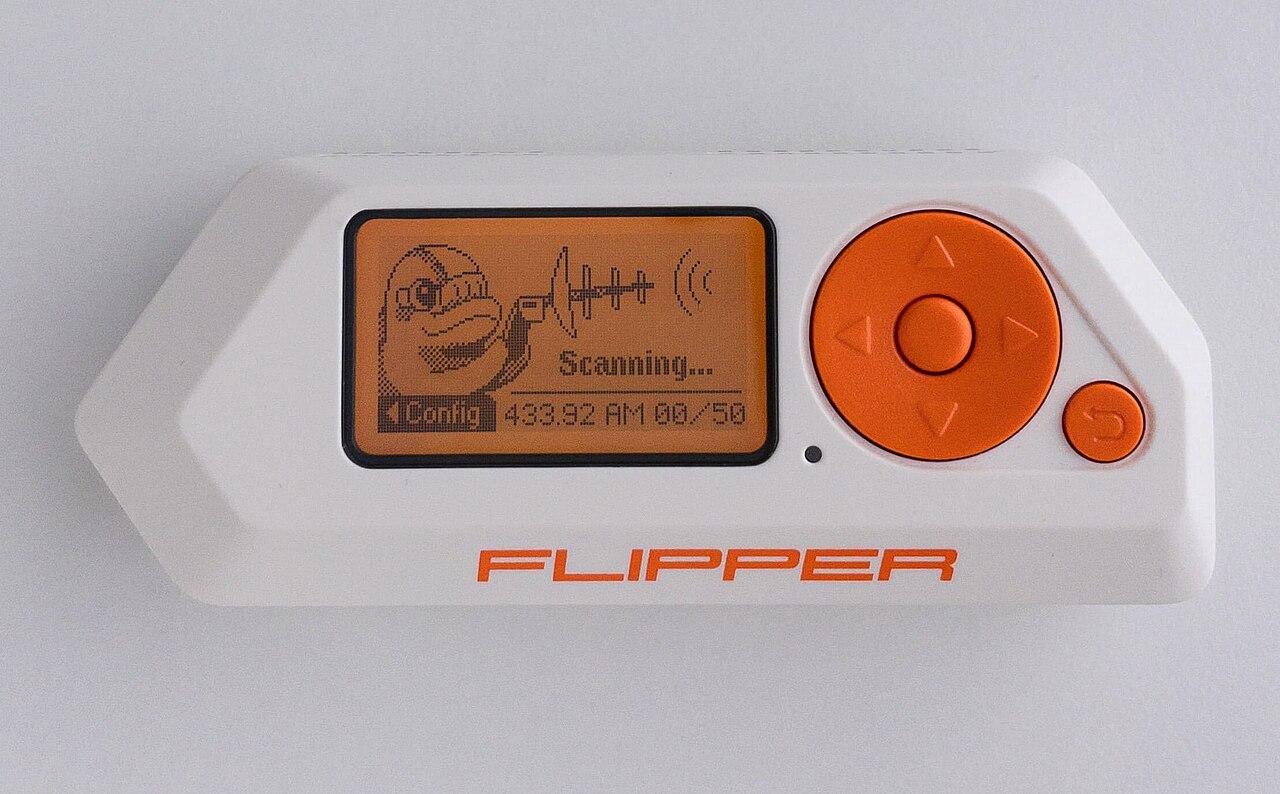
The Flipper Zero is a good pocket tool with a hardware limitation at its heart: a device that small can't carry every radio, and its 18-pin GPIO header exists precisely to fix that. Clip the right module onto it and the Flipper becomes the screen, keyboard and battery for hardware it could never contain itself. A whole community has formed around that header, and this post maps the builds that actually earn their bench space — with the hardware we stock to build them.
1. The WiFi multiboard: 2.4 GHz and sub-GHz in one addon
The most useful single companion is a board that pairs an ESP32 with an nRF24L01+ and a CC1101. The ESP32 side handles Wi-Fi tooling (the Marauder companion app is the ecosystem's flagship: packet monitoring, sniffing and channel work driven from the Flipper's screen), while the nRF24 and CC1101 extend the Flipper's reach into 2.4 GHz protocols and sub-GHz reception. Our Flipper WiFi Multiboard (A$97.28) is that exact architecture, assembled and tested.
If you already own a T-Embed-based deck, the T-Embed CC1101 nRF24 shield (A$22.65) does the same job for that board instead of the Flipper.
2. The devboard: the neutral way to flash ESP32 apps
Every ESP32 companion app on the Flipper — Marauder, wardriver apps, ghost-tag detectors — needs an ESP32 flashed with matching firmware. The classic route is the Flipper's built-in ESP Flasher app driving a devboard over the GPIO header: copy the binary to the Flipper's SD card, put the board in bootloader mode, and flash from Apps → GPIO → ESP Flasher, exactly as documented in the flipperzero-wardriver README. Our Flipper Marauder WiFi Devboard (A$44) is built for this flow — ESP32 plus nRF24 and CC1101, so it works as both the flasher and the tool afterwards.
The wardriver project itself is a good first build: an ESP32 with a GPS module running firmware that scans access points passively and logs them with coordinates onto the Flipper's display and storage. Pair the devboard with our GT-U7 GPS module (A$36.48) and you have the full passive survey rig. We've covered the Australian legality of this in our WiFi testing law guide: passive scanning and logging of broadcast data is lawful; anything that interferes with someone else's network is not.
3. The backpack: community hardware worth knowing
If you'd rather print and solder your own, the flipper-zero-backpacks project (CC BY-SA 4.0) is a collection of open-source addon boards in a backpack form factor that clips behind the Flipper — including an ESP32 Wi-Fi board with an SD card slot and a protoboard for your own designs. It's designed to fit with a silicone sleeve installed, which is why we stock the Flipper Zero silicone case (A$15): the right cover for both backpack-style builds and everyday pocket wear.
4. Beyond radios: the anti-stalking build
Not every companion build is about transmitters. The GhostTag-FlipperZero project (MIT licence) is a Flipper app that watches Bluetooth advertising for AirTags, Tiles and Samsung SmartTags that keep reappearing near you over time — persistence, not presence — and warns you when a tag seems to be travelling with you. Its ESP32 companion extends the scanning. For anyone who has read our border device search or threat model posts, this is the companion build with the most direct privacy payoff: the Flipper becomes a tracker detector rather than a tracker.
Protecting the header while you're at it
The GPIO pins are the Flipper's most exposed part, and every companion board stresses them. Our Flipper case/mount (A$22.80) protects the body and GPIO area on the bench and in the bag — cheap insurance for a device you keep plugging things into.
Affiliate disclosure: products linked are our own store, assembled and tested in Australia.
Start here
If you buy one thing: the multiboard, because it covers the widest set of tools. If you build one thing: the wardriver, because it teaches you flashing, GPS, logging and the law in a single afternoon. Either way, keep it passive and authorised — the community's best builds are all about observing, not interfering.