"Why the office printer is your network's soft underbelly — and what ASD's Essential Eight says about it"
Why the office printer is your network's soft underbelly — and what ASD's Essential Eight says about it
The average Australian small business runs a multifunction printer that nobody owns as an IT asset. It sits on the same LAN as the accounting server, it was set up by the installer in 2021 with the factory password, and it has probably never received a firmware update. That's not an exaggeration for effect — it's the default state of the print fleet, and attackers know it. Over on Hackers Arise, the writer Co11ateral recently walked through how an abused printer can be used to compromise an entire Active Directory domain — printers as a foothold for LDAP credential capture and lateral movement, not just a source of stolen documents. You don't need to run that attack to learn from it: it describes exactly the path a real intruder takes through a printer into the rest of a small-business network.
Printers are computers that got a free pass
A modern multifunction printer is a Linux box with a hard drive, a web server, LDAP and SMTP clients, and domain-joined credentials so staff can scan-to-email. The Hackers Arise piece makes the point bluntly: a compromised printer exposes LDAP credentials and becomes a launch point for further attacks. Real-world corroboration isn't hard to find — the PaperCut print-management flaw CVE-2023-27350 drew a joint CISA and FBI advisory after confirmed exploitation, and Xerox VersaLink devices shipped with a credential pass-back weakness that let an attacker on the same network recover login credentials stored in the device. Neither attack required the printer to be internet-facing.
The underlying firmware is often embedded Linux running BusyBox, the single-binary suite of Unix utilities that ships in a huge share of IoT and embedded devices. Researchers at Claroty and JFrog found 14 vulnerabilities in BusyBox in 2021 and noted that roughly 40% of 10,000 embedded firmware images they surveyed contained an affected version — and that embedded devices remain widely unpatched years later. Your printer's vendor probably isn't rushing a fix to you, because you don't have a subscription and the device "still works".
What an Australian SMB should actually do
Australia has a ready-made framework for exactly this problem: the Essential Eight, published by the Australian Signals Directorate. It's eight mitigation strategies — patching applications and operating systems, multi-factor authentication, restricting admin privileges, application control, macro configuration, application hardening, and regular backups — graded across maturity levels. For a typical SMB, Maturity Level 1 is the realistic target, and ASD's own guidance notes that properly implementing these eight covers the majority of techniques attackers use.
The printer problem maps onto the Essential Eight almost line by line:
- Patch applications and operating systems — firmware counts. Put every printer and networked device in an inventory with a named owner, and check vendor advisories quarterly. If a device can't be patched, it's a replacement, not an asset.
- Multi-factor authentication — on every remote access path (VPN, RDP, cloud admin). A printer won't do MFA, which is precisely why you segment it.
- Restrict administrative privileges — change every default device password; never let the print service account be a domain admin. This is the step that turns "printer compromised" from a domain-level disaster into a contained nuisance.
- Application control and hardening — keep the printer's unused services (Telnet, FTP, raw management panels) switched off.
- Regular backups — daily, disconnected, and actually restore-tested. ASD's Annual Cyber Threat Report 2024–25 put the average self-reported cybercrime cost for small business at $56,600, up 14% year on year. Recovery capability, not perfection, is what keeps that number theoretical.
Practically, printers belong on their own VLAN with firewall rules blocking their management interfaces from everywhere except the one admin workstation. If you want a purpose-built segmentation device rather than repurposing an old consumer router, something like our OpenWrt travel router (disclosure: our own store) is a compact way to run a properly isolated IoT/print segment without enterprise switching gear.
The uncomfortable summary
The Hackers Arise article is offensive security training, but its defensive moral is plain: printers were never office furniture, they're networked computers holding domain credentials. Treat them as important network assets — inventory them, patch them, segment them, strip their privilege — and you remove an entire class of easy entry points before anyone gets to test whether you did.
This post discusses defensive configuration only; nothing here is legal or security advice for your specific environment.
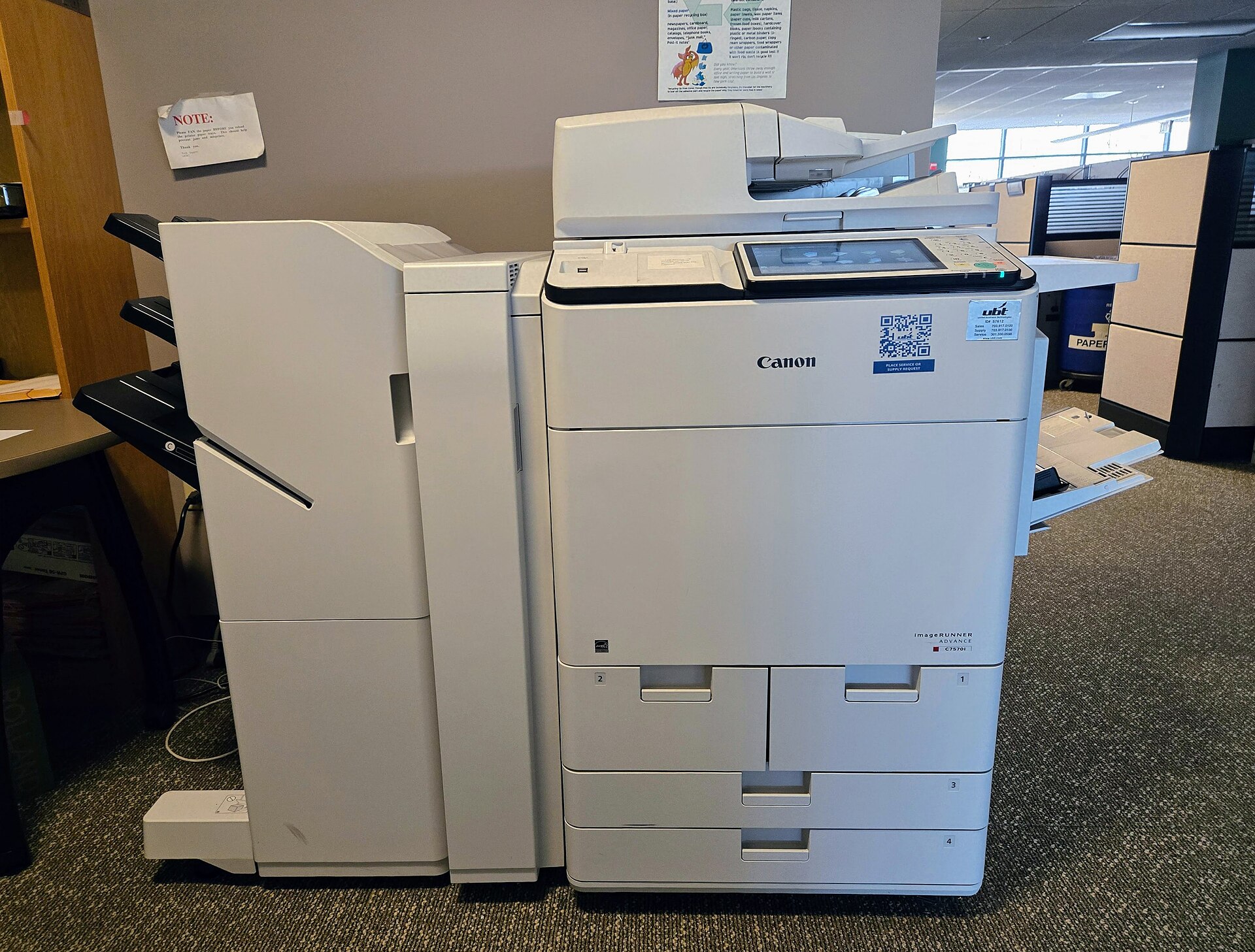
Image: Canon ImageRUNNER Advance C7570i photocopier, by Baron Maddock, CC BY 4.0 via Wikimedia Commons.